This short guide helps you find the Domain Authorization Code (EPP) on Unstoppable Domains provider for transfer purposes.
1. Login to your Unstoppable Domains account
Use the top right Login button to login into your account.
2. Unlock the domain & get the Authorization Code
Locate your domain on the right using the Management → My Domains in the left sidebar.
Here, there are two options to obtain the Domain Authorization Code.
Option 1 (recommended): Use the My Domains page
Locate your domain in the list or using the filter box.

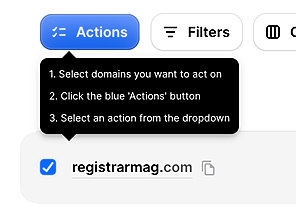
Select the checkbox on the domain name, then click the Actions button.
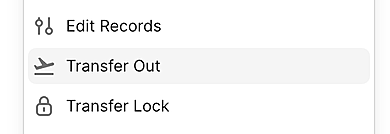
Select Transfer Out from the action list.
Check the transfer eligibility on the Transfer Out window, check the agree box and click Obtain Auth Codes.
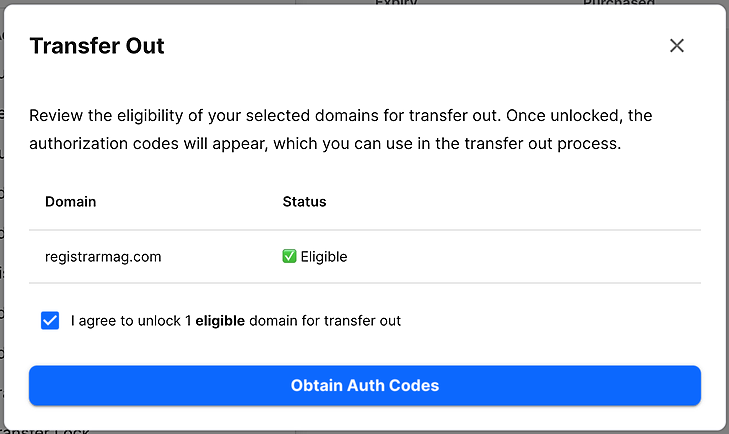
The code will be available by clicking the "eye" view icon.
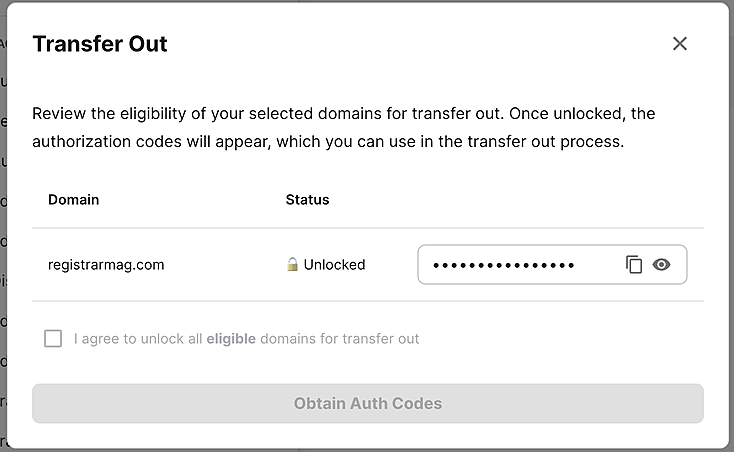
Depending on the promotion you participated when purchasing or transferring domains on Unstoppable Domains, there might be a required fee to obtain the Authorization Code. Be sure to confirm this.
Option 2: Use the Domain Management page
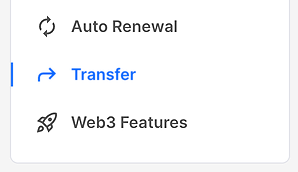
On My Domains page, click on a domain to go to its management page. Then, click on the Transfer on the left sidebar.
Click the Detokenize & Unlock Domain button on the right. This process will take a while.
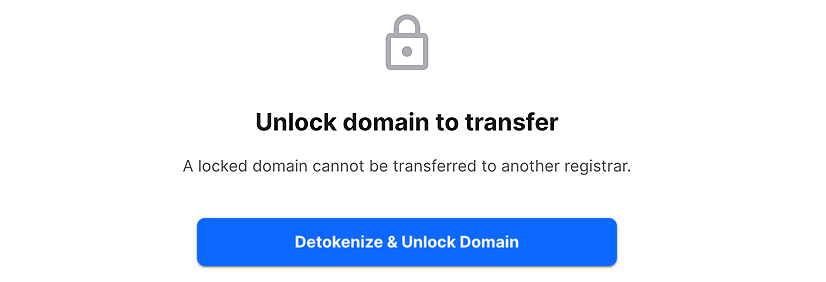
You might need another "Unlock Domain" step to fully unlock the domain.
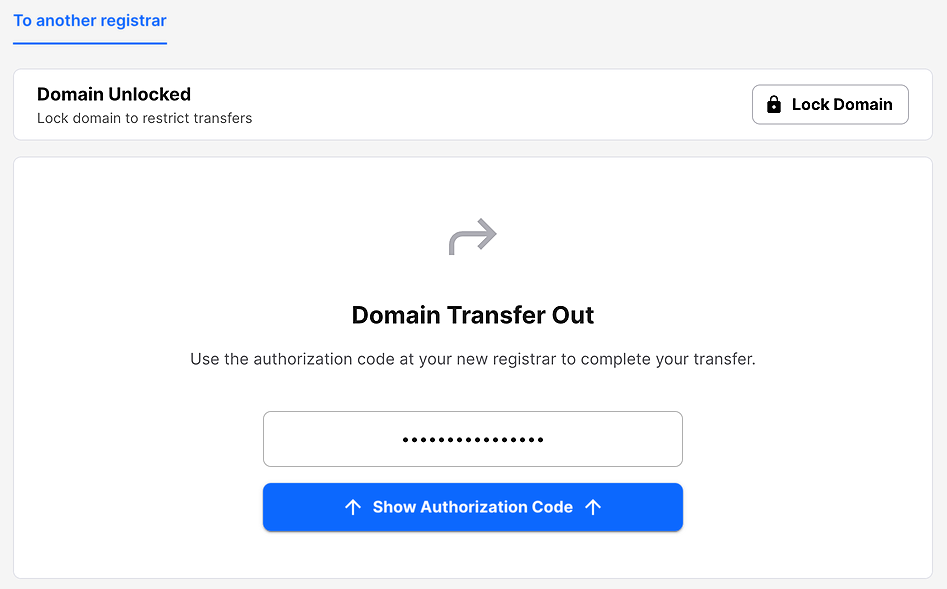
When the domain is fully unlocked, click the Show Authorization Code to get the code.